
Guide ·
Extracting UTM Parameters with Zapier
Ever find yourself needing to extract utm parameters from a URL, but not knowing an easy way to do so? With this zapier hack (well, not a hack – just using javascript inside of Zapier) you can implement this functionality anywhere you need to.
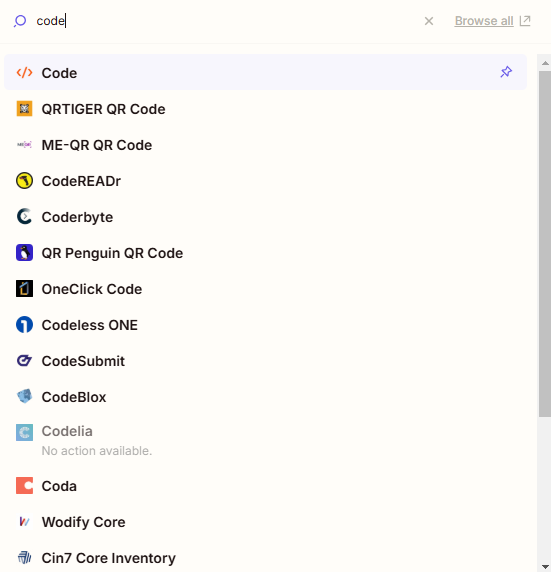
- In your Zap, select the “Code” app.
- This is an app made by Zapier, and should be available in your account with no additional setup or integration required.
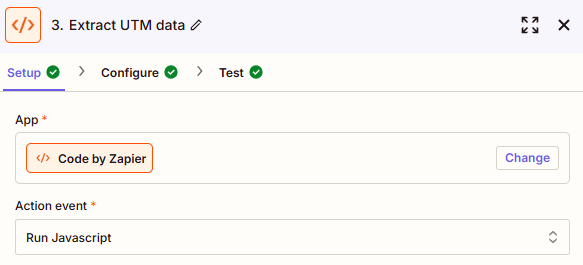
- Select “JavaScript” as the code language
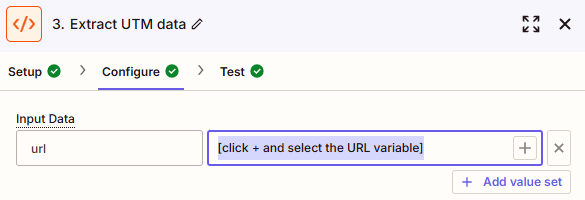
- In the “Input Data” box, put the name you want to call your variable
- This is the name you’re telling the JavaScript (JS) to give to the actual variable data.
- I recommend calling it “url”.
- If you are feeling like a rebel, call it batMan, iceCream, siezeTheMeansOfProduction, or anything else you want.
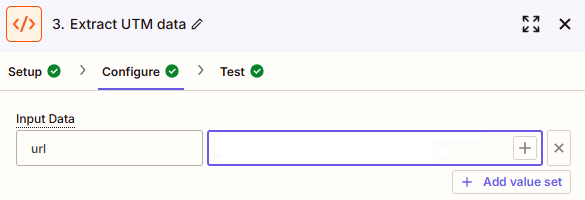
- In the box next to the “Input Data” box, select the URL from a previous Zapier step that you want to extract the UTM info from
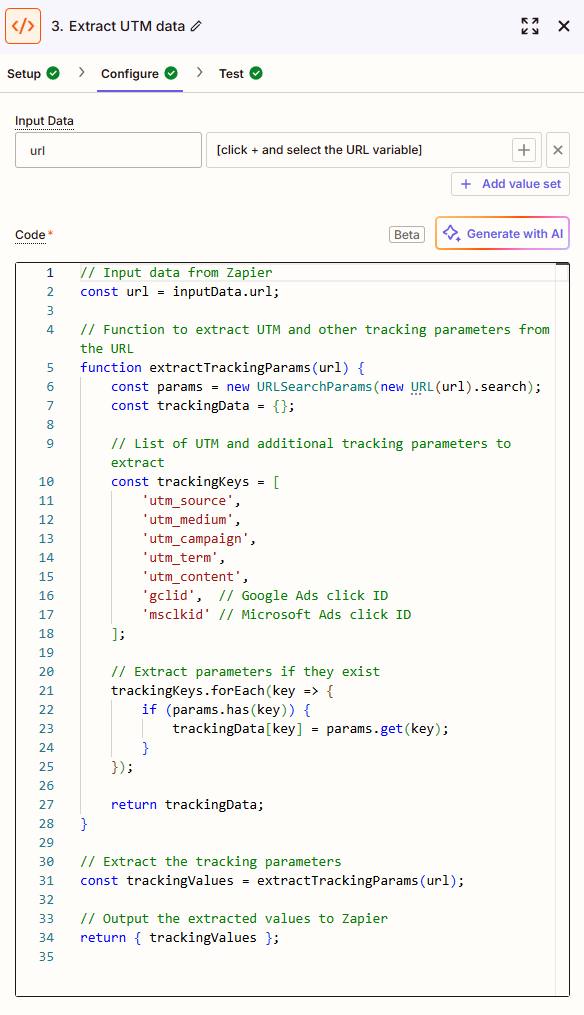
- Paste this code (below screenshot) into the code block
- Note – this code uses “url” as the name of the variable in the “Input Data” box.
- If you use a different name, you’ll need to update value “url” to whatever you end up calling it throughout the JS.
- You can add additional parameters if you want – the sky’s the limit.
// Input data from Zapier
const url = inputData.url;

// Function to extract UTM and other tracking parameters from the URL
function extractTrackingParams(url) {
    const params = new URLSearchParams(new URL(url).search);
    const trackingData = {};

    // List of UTM and additional tracking parameters to extract
    const trackingKeys = [
        'utm_source',
        'utm_medium',
        'utm_campaign',
        'utm_term',
        'utm_content',
        'gclid',  // Google Ads click ID
        'msclkid' // Microsoft Ads click ID
    ];

    // Extract parameters if they exist
    trackingKeys.forEach(key => {
        if (params.has(key)) {
            trackingData[key] = params.get(key);
        }
    });

    return trackingData;
}

// Extract the tracking parameters
const trackingValues = extractTrackingParams(url);

// Output the extracted values to Zapier
return { trackingValues };
- Use the extracted utmValues from the output in subsequent Zapier actions. They will now be output variable values you can insert into virtually any action step in an app.
Example URL:
https://example.com?utm_source=google&utm_medium=cpc&utm_campaign=summer_sale&utm_term=shoes&utm_content=ad1&gclid=123abc&msclkid=456xyz

Example output:
{
  "trackingValues": {
    "utm_source": "google",
    "utm_medium": "cpc",
    "utm_campaign": "summer_sale",
    "utm_term": "shoes",
    "utm_content": "ad1",
    "gclid": "123abc",
    "msclkid": "456xyz"
  }
}
Happy Zapping!